Dozens of agents,
one keyboard.

A keyboard-first terminal TUI to monitor & run dozens of real Claude Code agents — 10 live at once, every session saved and instantly resumable — with live cost, context, and sub-agent tracking. No GUI. No Electron. No prefix keys.

Open source · self-hosted · made in the USA 🇺🇸

License AGPL-3.0 npm Node >=20
$ npx @bluearch/mission-control
Mission Control demo

Runs entirely on your machine

No telemetry. No network service. No account beyond your own Claude login. Auditable, local-only, and yours to theme.

100% open source (AGPL-3.0) 0 telemetry localhost only 7 built-in themes

Who it's for

macOS & Linux developers using Claude Code who run more than one agent at a time — and want fleet-level awareness without babysitting each tab. If you're terminal-first, keyboard-first, and want your tooling open and self-hosted, this is built for you.

Fleet-level awareness

Every session is a real claude subprocess. Everything is measured, not simulated.

$

Live cost & context

Per-agent token, cost, and context-window tracking straight from Claude's own usage — with weekly spend and budget caps.

⋔

Sub-agent fan-out

See when an agent spawns parallel sub-agents, with fan-out count and folded token accounting. No other tool shows this.

▸

Triage at a glance

Each card answers "does this need me, when, and what next" — todo burndown plus a status-driven next-action verb.

↵

Zoom into any session

Drop into a full PTY view of any agent — scroll history, toggle stats and tools panels, send input — then pop back to the grid.

✓

Approval routing

Permission prompts surface on the card and route to a keystroke. Cycle plan / auto / acceptEdits modes without leaving the fleet.

◈

Close it. Come back. Resume.

Every session's identity, cost, and context survive a shutdown. Close the terminal tonight, reopen tomorrow, and resume a dozen conversations — mid-thought — with one keystroke.

⇉

Fleet-wide control

Broadcast a prompt — or a /slash command — to every targeted session at once, and resume all active sessions with a single keystroke after a restart.

⇄

Switch models mid-project

Move a running session between Claude models — Opus for the hard part, Sonnet for the grind — without losing the conversation. The context rides along; only the model changes.

◎

New models, day one

The catalog syncs from the source — the Models API and the claude CLI itself. When Anthropic ships a new model, it shows up in your picker automatically. Opus 5 did.

See it in action

Recorded from real sessions — zoom into an agent, the fleet dashboard, and live theme cycling.

Zoom into a session — scrollback, stats and tools panels, live diff
Zoom into any agent — full PTY, stats, tools, and live diff.
Fleet dashboard — sortable table of all live agents
The fleet dashboard — every live agent, sortable at a glance.
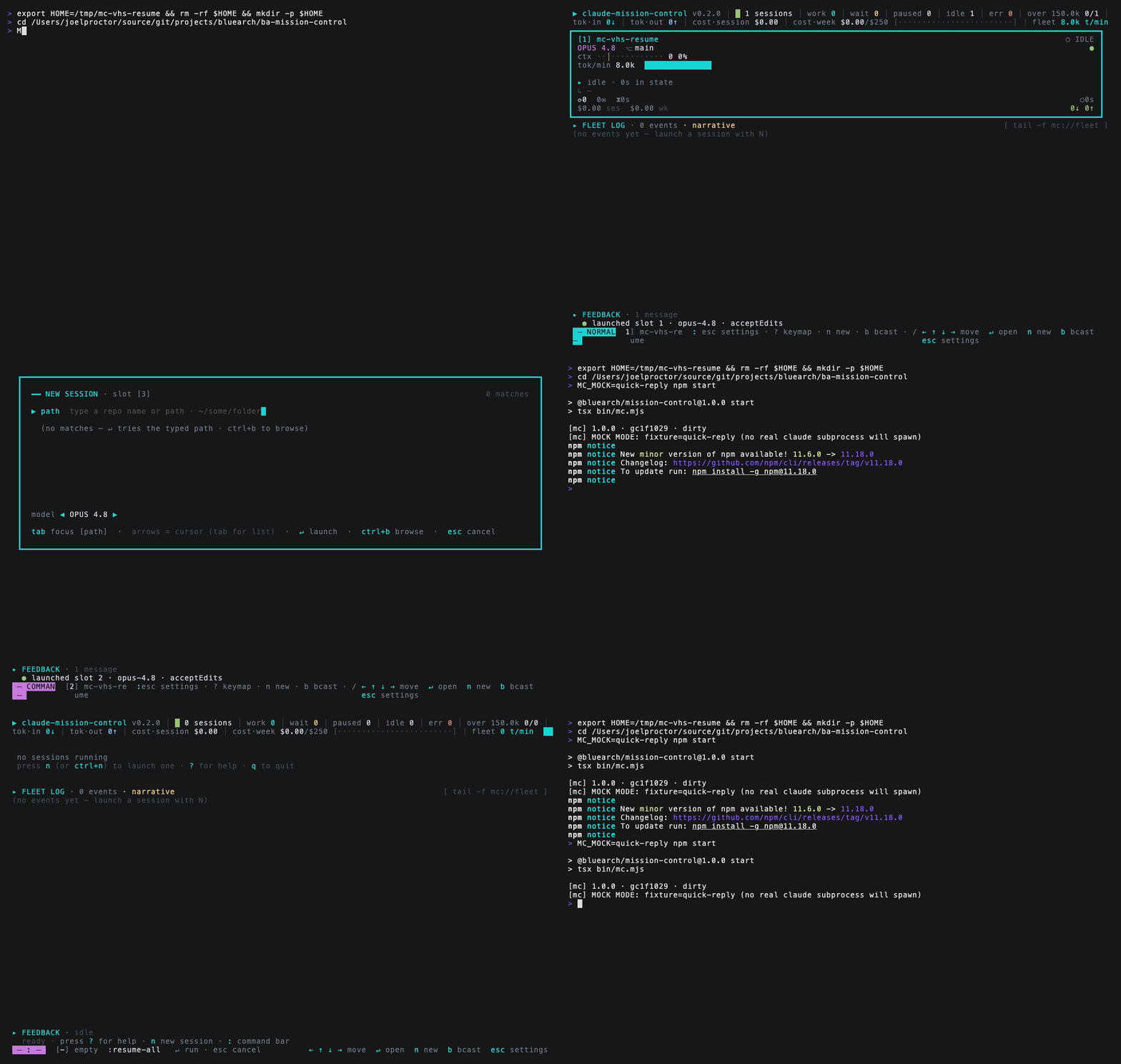
Resume all sessions — quit and relaunch, then :resume-all restores the whole fleet at once
Your fleet survives a restart — :resume-all brings every session back at once.
Cycling themes live — BlueArch, Tokyo Night, Gruvbox, Catppuccin, Matrix
Seven built-in themes, cycled live.

Why not tmux or cmux?

Not a generic multiplexer, not a native app — a TUI that understands Claude Code agents. Runs alongside tmux and over SSH.

tmuxcmuxMission Control
What it ismultiplexermacOS GUI appterminal TUI
Runs anywhere (SSH, any terminal)✓local macOS✓
Purpose-built for Claude Code✗✓✓
Per-agent cost / context tracking✗✗✓
Sub-agent fan-out awareness✗✗✓
Resume all active sessions✗✗✓
Broadcast slash commands to all agents✗✗✓
No prefix keys, zero config✗✓✓
No GUI / no Electron✓native✓
Open source & self-hosted✓✓✓

Get started

Requires Node 20+, the claude CLI on your PATH, and a 24-bit-color terminal.

# Run it now, no install
npx @bluearch/mission-control

# …or install the mc command globally
npm install -g @bluearch/mission-control
mc

📦 Published on npm as @bluearch/mission-control. Homebrew tap planned.

# From source (contributors)
git clone https://github.com/xxyjoel/ba-mission-control.git
cd ba-mission-control
npm install && npm start